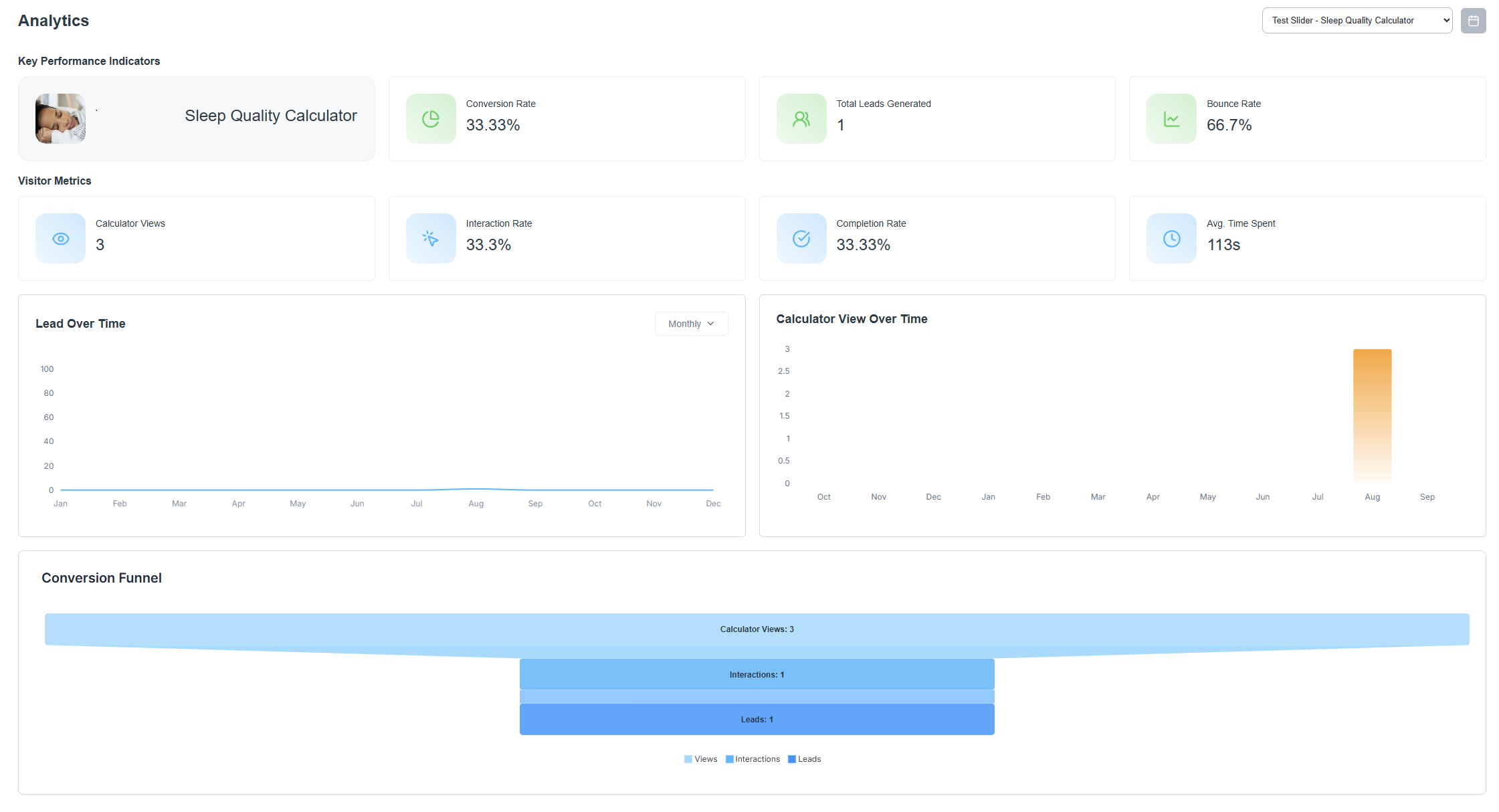
The Analytics section gives you a clear picture of how each calculator is performing. You’ll see visual reports and important stats that make it easy to understand how your calculators are doing.
What You’ll See
Graphical reports
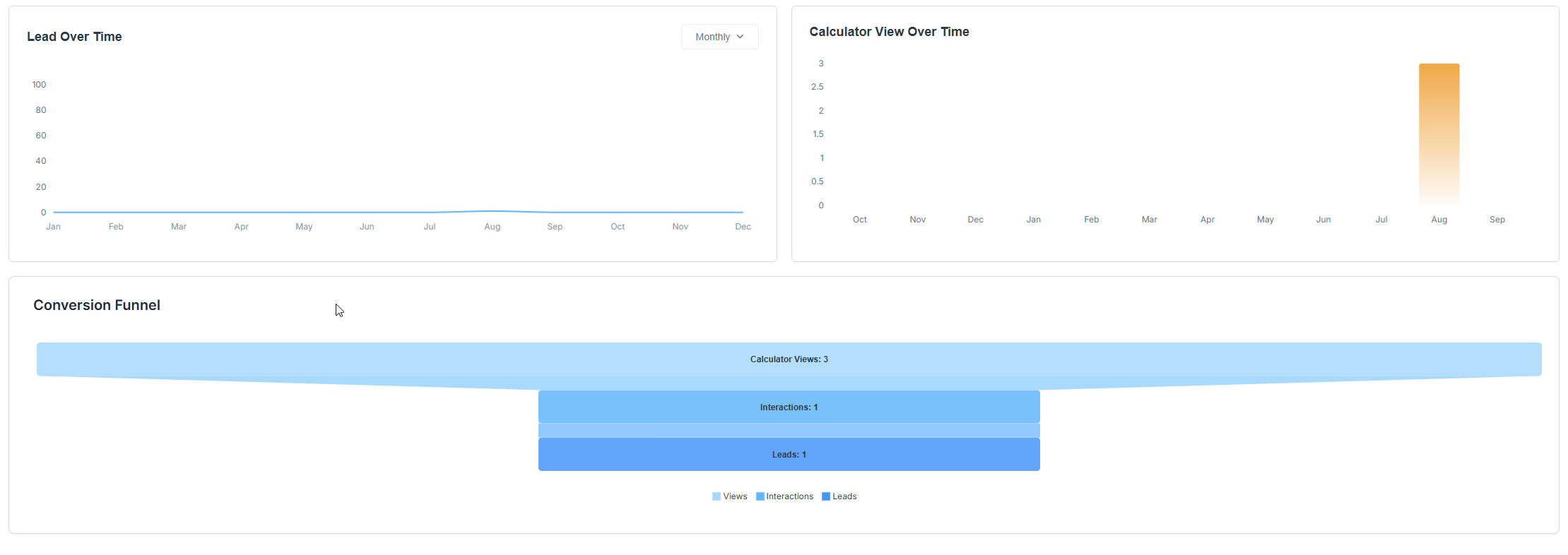
Informative charts that show lead acquisition, calculator views, and conversion funnel stats.
Key Performance Indicators (KPIs)

Conversion rate
Bounce rate
Total leads generated
Visitor Metrics

Average time spent on the calculator
Interaction rate
Completion rate
Total calculator views
Total leads generated
Switching Between Calculators
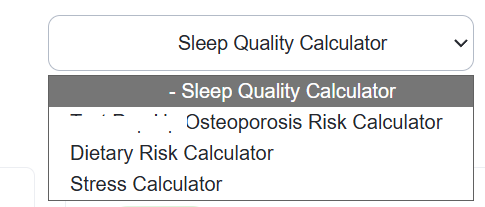
In the upper right corner, you’ll find a calculator selector dropdown menu. Use this to quickly switch between analytics for different calculators.
Date Range Selector
 Select a date range to display the different statistics based on the selected time period.
Was this article helpful?
That’s Great!
Thank you for your feedback
Sorry! We couldn't be helpful
Thank you for your feedback
Feedback sent
We appreciate your effort and will try to fix the article